Over 40 million golfers in the United States now carry a smartphone in their bag, and nearly a third of them use at least one golf app during every round. If you've been searching for the best golf apps for Apple Watch, iPhone, and iPad, you're tapping into a technology shift that's quietly changing how people play. From GPS rangefinders on your wrist to AI-powered swing analysis on your tablet, the right app turns your Apple devices into a high-tech caddie. Whether you're a weekend warrior still learning golf rules for beginners or a single-digit handicapper chasing every edge, this guide breaks down exactly what you need — and what you can skip.

The app market is crowded. Dozens of golf apps promise to shave strokes off your game, but most golfers only need two or three installed at any time. The trick is knowing which features actually matter for your game and which are just marketing fluff.
Below, you'll find a full breakdown of the top apps by category, honest cost comparisons, and practical tips to get the most from each one. Use the table of contents to jump straight to what interests you.
Contents
- Why Your Apple Watch Is the Best Golf Gadget You Own
- Golf App Myths That Cost You Strokes
- Top Best Golf Apps for Apple Watch and iPhone
- Choosing the Right App for Your Skill Level
- Get More From Your Golf Apps on the Course
- What Golf Apps Actually Cost: Free vs. Premium
- Five-Minute Setup Tricks for Instant Improvement
- Frequently Asked Questions
Why Your Apple Watch Is the Best Golf Gadget You Own
Your Apple Watch already tracks your heart rate, counts your steps, and pings you with notifications. On the golf course, it becomes something far more useful — a glanceable rangefinder strapped to your wrist. No pulling out your phone. No fumbling with a laser. Just lift, look, and swing.
Wrist-Based GPS vs. Handheld Rangefinders
- Laser rangefinders cost $200–$500 and only give you distance to a single point.
- Apple Watch golf apps show front, center, and back of the green simultaneously.
- You get hazard distances, dogleg info, and shot tracking — all without reaching into your pocket.
- Wrist vibrations (haptic feedback) confirm distances silently, keeping pace of play fast.
Key Apple Watch Features for Golfers
- Auto shot detection — the accelerometer logs swings without manual input.
- Green view maps that rotate based on your position relative to the pin.
- Round-in-progress complications on your watch face for quick glances between holes.
- Integration with the World Handicap System for automatic handicap posting.
Golf App Myths That Cost You Strokes
Before you download anything, clear out the misconceptions that stop golfers from using these tools effectively.
Myth: Phone GPS Is Too Inaccurate
Modern iPhones use a combination of GPS, GLONASS, and Galileo satellite systems. Most golf apps deliver distances accurate to within 1–3 yards — close enough that your swing consistency, not the app, is the limiting factor. Laser rangefinders are more precise to a specific target, but they can't show you hazard layup distances or track your shots automatically.
Myth: Golf Apps Destroy Your Battery
A full 18-hole round takes roughly four to four and a half hours. A well-optimized golf app uses about 15–25% of your iPhone battery over that time. On Apple Watch Series 7 and later, expect to finish your round with over 50% battery remaining. Tips to save even more:
- Turn off always-on display during your round.
- Close other apps running in the background.
- Disable Wi-Fi if you're out of range anyway.
Top Best Golf Apps for Apple Watch and iPhone
Here's where it gets practical. These are the apps worth your time, broken into three categories. For a broader look at golf technology, visit our golf apps guide.
GPS and Scorecard Apps
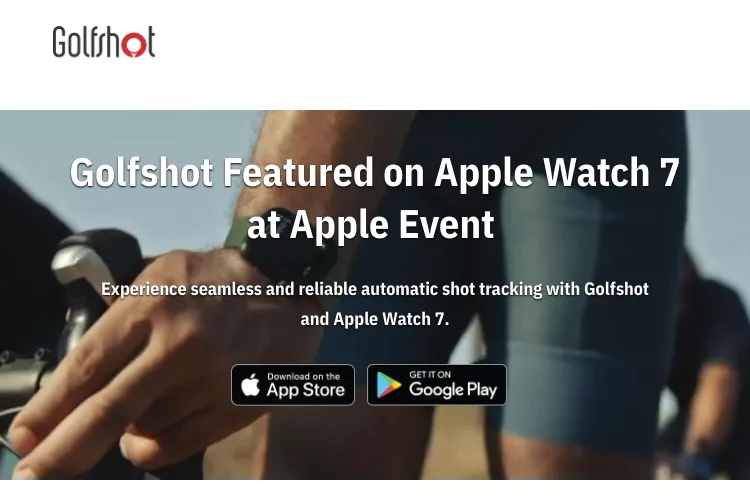
Golfshot — One of the longest-running golf GPS apps. It offers a clean Apple Watch interface with front/center/back distances, a digital scorecard, and club recommendations based on your history. The free tier covers the basics; premium unlocks 3D flyovers and advanced stats.
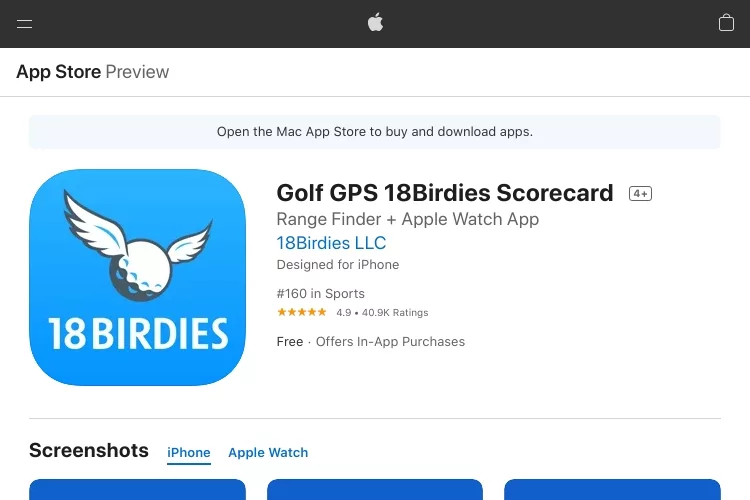
18Birdies — Known for its intuitive interface and strong Apple Watch companion. Auto shot tracking works well, and the social features let you compete with friends. The AI caddie feature suggests clubs based on your personal shot data.
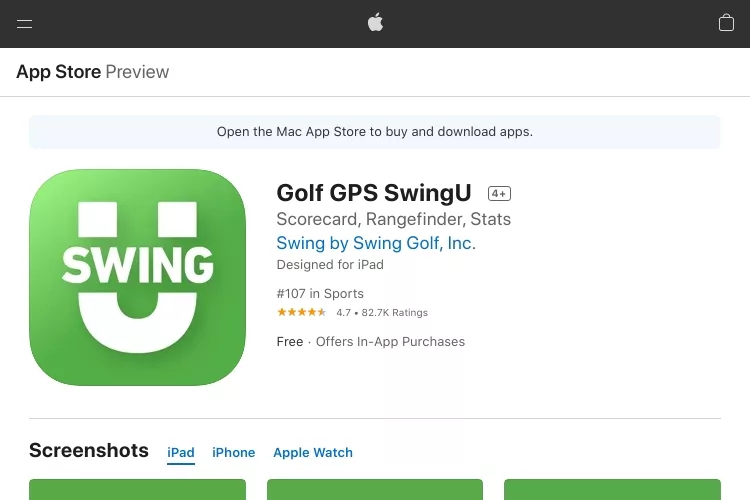
SwingU — A solid free option with GPS distances and scorecard. The Apple Watch app is lightweight and fast. Premium adds strokes gained analytics and an offline mode for courses with poor cell coverage.
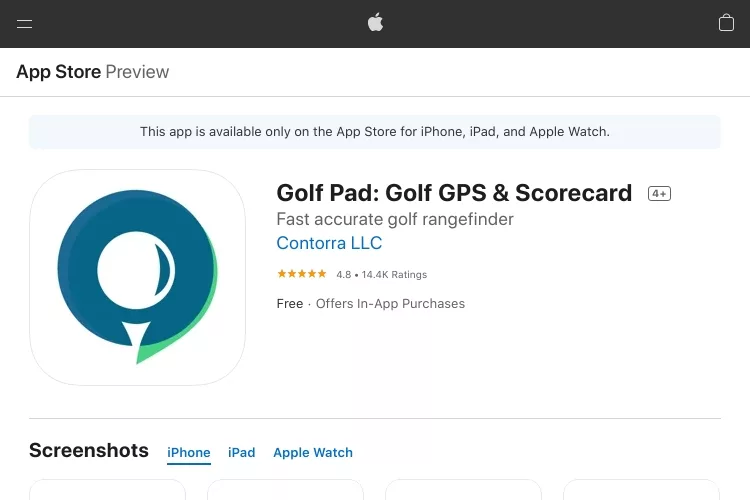
Golf Pad — Offers automatic shot tracking with a smart Bluetooth tag system. Each club gets a tag, and the app detects which club you pull. The Apple Watch app shows distances and records shots hands-free.
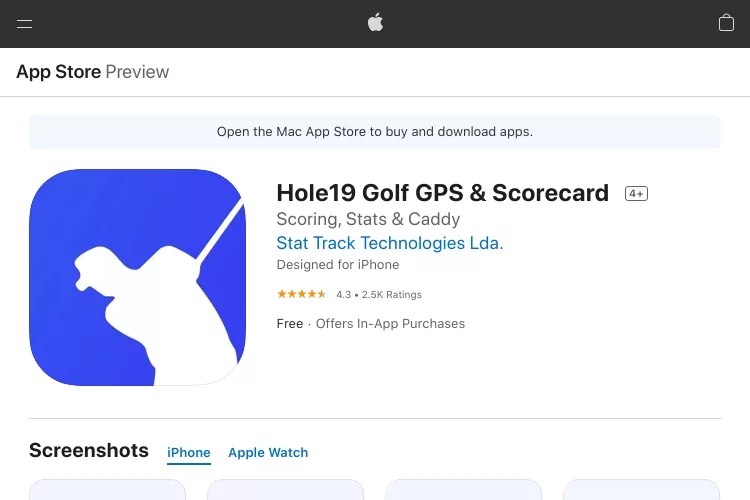
Hole19 — Clean design with a generous free tier. Covers over 43,000 courses worldwide. The Apple Watch app is responsive, and the scoring interface is one of the fastest to use mid-round.
Pro tip: Download your course map while you're still on Wi-Fi. Offline maps load faster on the course and use less battery on both your watch and phone.
Swing Analysis Apps
These work best on your iPhone or iPad, where the larger screen and better camera make frame-by-frame analysis possible.
Hudl Technique (formerly V1 Golf) — Record your swing in slow motion, draw lines and angles, and compare side-by-side with tour pros. This is the standard tool used by many teaching professionals.

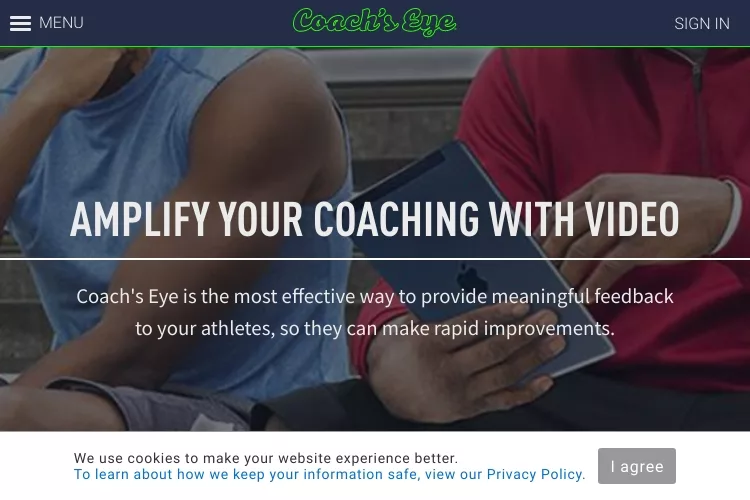
Coach's Eye — Similar drawing and annotation tools with easy video sharing. Great for sending clips to your instructor between lessons. If you're working on fixing a slice or hook, the slow-motion replay is invaluable.
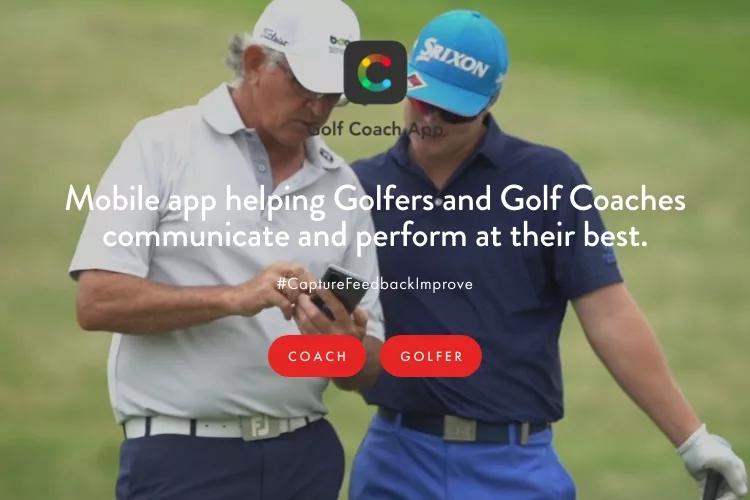
Golf Coach — AI-powered swing analysis that gives you instant feedback without needing a human instructor. Point your phone, swing, and get specific tips on tempo, plane, and rotation.
Rules, Handicap, and Reference Apps
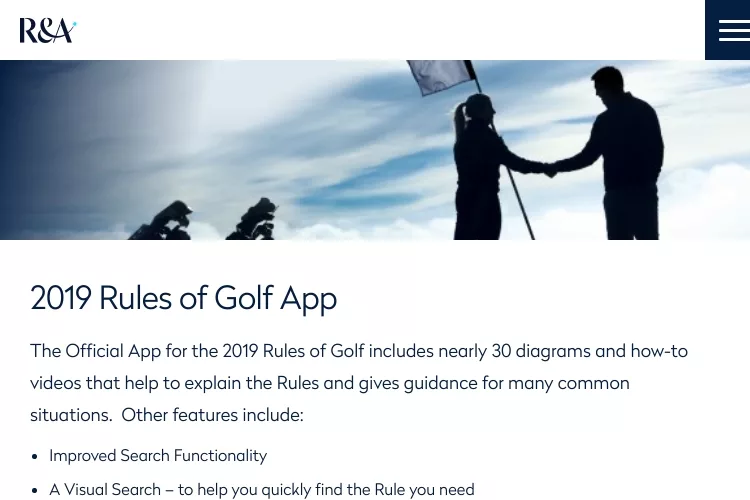
The R&A Rules of Golf — The official rules app. Searchable, regularly updated, and free. Settle any on-course debate in seconds.
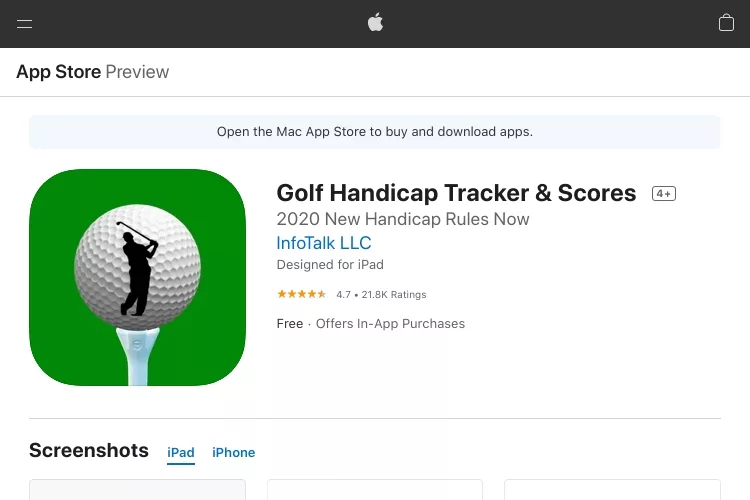
Golf Handicap Tracker — Tracks your scores and calculates your handicap index automatically. Useful if your club doesn't have a digital system or you play mostly public courses.
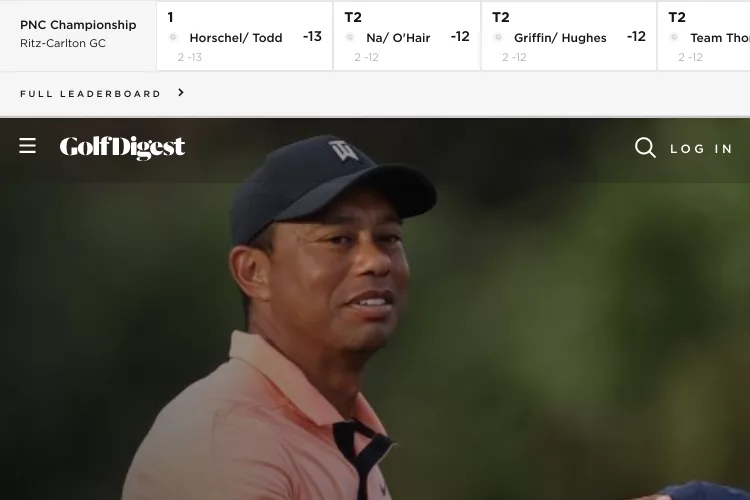
Golf Digest — Not a tool app, but a solid content resource for instruction, gear reviews, and course recommendations. The magazine-style layout works great on iPad.
Choosing the Right App for Your Skill Level
Not every golfer needs every feature. Here's how to match apps to where you actually are in your game.
If You're Just Starting Out
- Start with one free GPS/scorecard app (SwingU or Hole19).
- Focus on learning distances to the green — don't worry about strokes gained analytics yet.
- Use a swing analysis app once a week at the range, not during your round.
- Download the Rules of Golf app. Knowing the basics saves penalty strokes and embarrassment.
- Learn how to get better at golf with fundamentals before relying on tech.
If You're Breaking 80
- Upgrade to a premium GPS app for strokes gained analysis — this tells you exactly where you're losing shots.
- Use shot tracking data to identify your weakest distance ranges.
- Compare your stats over 20+ rounds to spot trends, not just single-round flukes.
- Combine wrist GPS with a laser rangefinder for tournament play where GPS devices might be restricted.
Get More From Your Golf Apps on the Course
Accuracy and Tracking Tips
- Calibrate your Apple Watch compass before each round (open the Compass app and follow the on-screen circle).
- Wear your watch on your non-dominant wrist with a snug fit for better shot detection.
- Mark your shots manually when playing in heavy tree cover — GPS can drift under canopy.
- Keep your phone in your front pocket, not the bottom of your bag, for stronger satellite lock.
Post-Round Review Habits
- Spend 5 minutes after each round reviewing your shot map. Look for patterns — are you consistently missing left on approach shots?
- Check your average distances per club every 10 rounds and update your club settings in the app.
- Export your data. Most apps let you download a CSV. Track your handicap trend in a spreadsheet for a birds-eye view of your progress.
What Golf Apps Actually Cost: Free vs. Premium
Here's a realistic cost comparison of the most popular golf apps so you know exactly what you're paying for.
| App | Free Tier | Premium Cost | Best Premium Feature |
|---|---|---|---|
| Golfshot | GPS + scorecard | $39.99/year | 3D flyovers, club recommend |
| 18Birdies | GPS + scorecard | $99.99/year | AI caddie, strokes gained |
| SwingU | GPS + scorecard | $49.99/year | Strokes gained, offline mode |
| Golf Pad | GPS + manual tracking | $19.99/year | Auto shot tracking (with tags) |
| Hole19 | GPS + scorecard | $49.99/year | Advanced stats, AR distances |
| Hudl Technique | Basic video | $9.99/month | Swing comparison, pro overlays |
| Golf Handicap Tracker | Full features | Free | N/A |
| R&A Rules of Golf | Full features | Free | N/A |
The sweet spot for most golfers is $40–$50 per year on a single premium GPS app. That's less than the cost of one round at most public courses. The free tiers are surprisingly capable — try before you commit.
Five-Minute Setup Tricks for Instant Improvement
- Enter your real club distances. Default values are based on averages. Go to the range, hit 10 balls with each club, drop the longest and shortest, and average the rest. Enter those numbers into your app.
- Turn on auto shot detection in both your watch and phone apps. Let the app do the work so you can focus on playing.
- Set up round notifications. Configure your watch to show only golf app alerts during a round. Silence texts, emails, and social media.
- Download the course maps for your three most-played courses while on Wi-Fi. This eliminates loading delays on the first tee.
- Pair your Apple Watch with your iPhone before leaving the house. Bluetooth pairing issues on the course waste time and raise your blood pressure.
Frequently Asked Questions
Do golf apps work without cell service?
Yes. Most GPS golf apps download course maps ahead of time and use satellite positioning, not cell towers, for distance measurements. Download your course data while on Wi-Fi for the best experience.
Which Apple Watch models work with golf apps?
Series 3 and later support most golf apps. However, Series 7 and newer offer better battery life, a larger screen, and faster GPS lock. For the best experience, use Series 8 or Ultra.
Are golf GPS apps legal in tournaments?
Under the current Rules of Golf, committees can allow distance-measuring devices. Most amateur tournaments permit GPS distance apps. However, features like slope adjustment or wind readings are typically not allowed. Check with your tournament committee before your round.
Can I use a golf app on my iPad during a round?
You can, but it's not practical to carry an iPad on the course. iPads are better used at the range for swing analysis or at home for reviewing round data. On the course, stick to your Apple Watch and iPhone.
How accurate are Apple Watch golf GPS apps?
Most apps deliver distances accurate to within 1–3 yards using a combination of GPS, GLONASS, and Galileo satellites. This is accurate enough for club selection on approach shots, though a laser rangefinder remains more precise for pin distances.
Do I need a premium subscription or is the free version enough?
Free versions of apps like SwingU and Hole19 cover GPS distances and basic scorekeeping — enough for most casual golfers. Premium is worth it if you want strokes gained analysis, advanced shot tracking, or AI-powered club recommendations.
Will golf apps drain my Apple Watch battery before I finish 18 holes?
On Series 7 and later, you should finish 18 holes with over 50% battery remaining. Turning off the always-on display and closing background apps helps. Older models may need a charge if you're playing a slow round.
Can golf apps actually lower my handicap?
Apps don't swing the club for you, but they remove guesswork. Knowing exact distances improves club selection, shot tracking reveals weaknesses, and post-round data helps you practice smarter. Golfers who consistently review their app data tend to see measurable improvement over a season.
The best golf app is the one you actually use every round — pick one, learn it well, and let the data guide your practice where it matters most.



About Bill Winters
Those who have not yet tried the sport just can’t imagine what is driving these golfers to brave the sun’s heat and go around a course bigger than several football fields combined. It seems like an awful lot of work considering that the ball is quite small that is must be hard to hit, the ground of the course is not flat and, most annoying of all, there are sand traps lying around seemingly bent on preventing a player from finishing the course.
Follow & Subscribe for more:


About the Author

The game of golf may seem like an awful lot to take on when one considers that the ball is quite small, must be hard to hit and carry through windy conditions with little chance for error. The ground course has hillsides which make it challenging enough without adding sand traps who seem bent on preventing players from completing their round!
Get the FREE Gifts now. Or receive the latest golf eBooks for free from our bestselling.
Disable Ad Block to reveal all the secrets. Once done, hit a below button: